
01
The whole storefront should feel like the client.
Bring together homepage copy, collections, product presentation, colors, and imagery in a mobile-ready draft. Change the direction without losing the underlying product work.
Company stores
Bring together homepage copy, collections, product presentation, colors, and imagery in a mobile-ready draft.
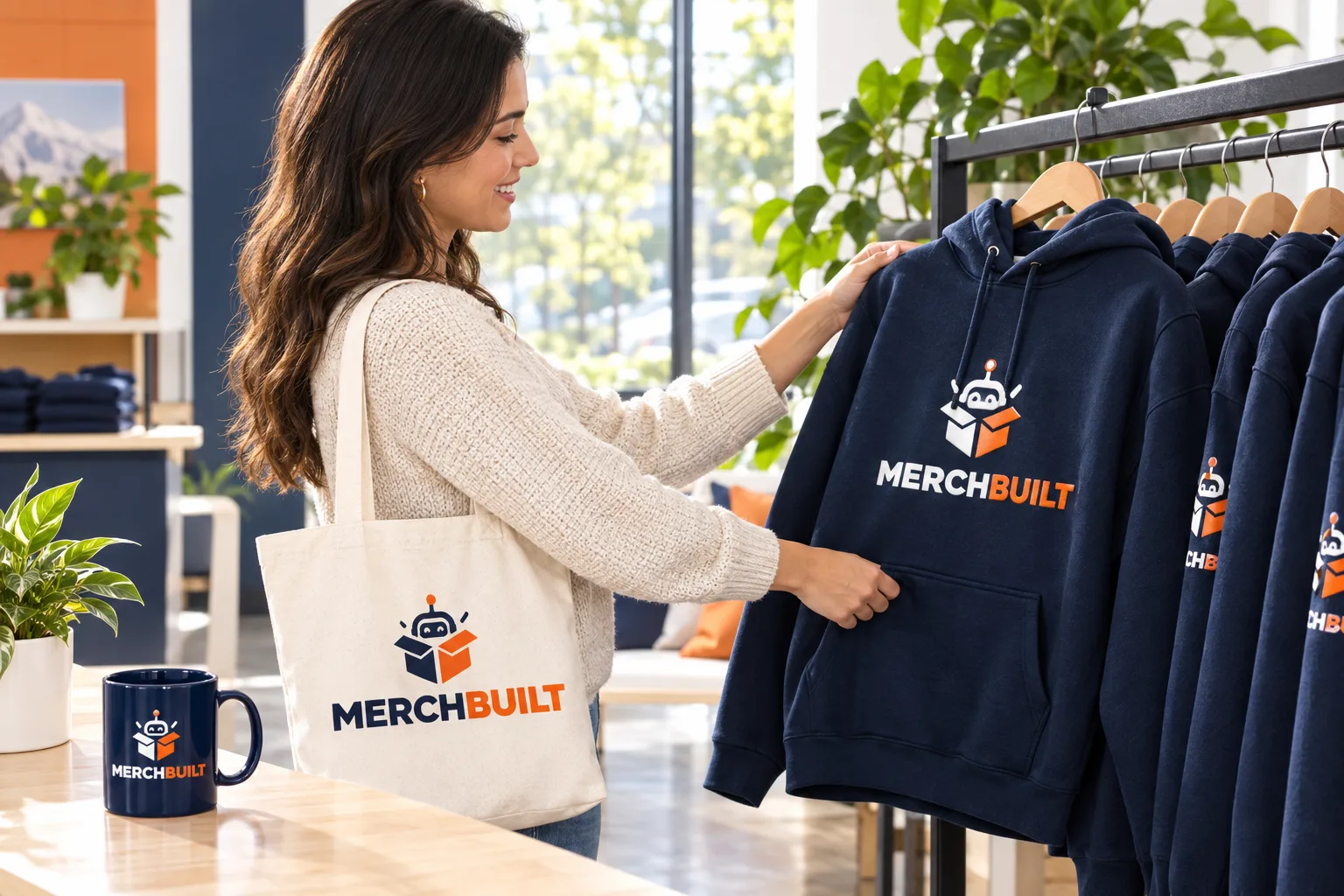
Bring together homepage copy, collections, product presentation, colors, and imagery in a mobile-ready draft. Change the direction without losing the underlying product work.
Your client's brand should shape the whole store. MerchBuilt connects the product selection, colors, imagery, and copy so the first draft feels considered from the start.
Open the proposed store on desktop and mobile. Review the merchandise, logo previews, homepage, collections, and wording. Ask for adjustments in ordinary language. MerchBuilt prepares a revised draft so you can compare the result before applying it.
What that means for your program
No. You can add one to improve the direction. Approved brand guidelines should take precedence over an inferred color, font, or tone.
Not as the default workflow. It uses your client's supplied or approved artwork. Logo redesign, recoloring, simplification, or new variants require specific direction and approval.
No. A preview is for review and sharing. Publishing requires the relevant approvals and commerce setup.
Not for eligible on-demand items. They are produced after an order is placed. Platform, product, artwork, payment, and shipping charges are separate considerations.
Your next client store
Start with their logo. Choose a store style, then save your email and consent so we can build six Printful starter products in the background.