Upload the logo. We read the colors.
Drop your client's original logo into the builder. We read its colors and prepare the brand direction.
Your original artwork is preserved. Review the brand name and colors before they shape the store.
How MerchBuilt works
MerchBuilt connects the setup work into one experience. Start with your client's brand, see the result, and decide what happens next.
Drop your client's original logo into the builder. We read its colors and prepare the brand direction.
Your original artwork is preserved. Review the brand name and colors before they shape the store.
Explore the store templates using your client's branding, then choose the direction that fits.
Template examples show the layout. Finished merchandise previews are prepared after you save your email.
Enter your email and consent to store updates, then choose Build my store. MerchBuilt saves the store before preparing six Printful starter products.
You can close the page while rendering continues. We email you when all six product previews and the selected storefront are ready.
Use the ready email and email sign-in to open the correct store. Review the six rendered products, add or remove items, change logos, edit designs, and adjust pricing and storefront details.
Publication, production approval, and checkout remain separate steps with their existing review requirements.
 A branded storefront, a product gallery, and a shopping bag, brought together.
ShopCollectionsAbout
Your brand. Your store.
Merchandise made on demand for your team, in your brand.
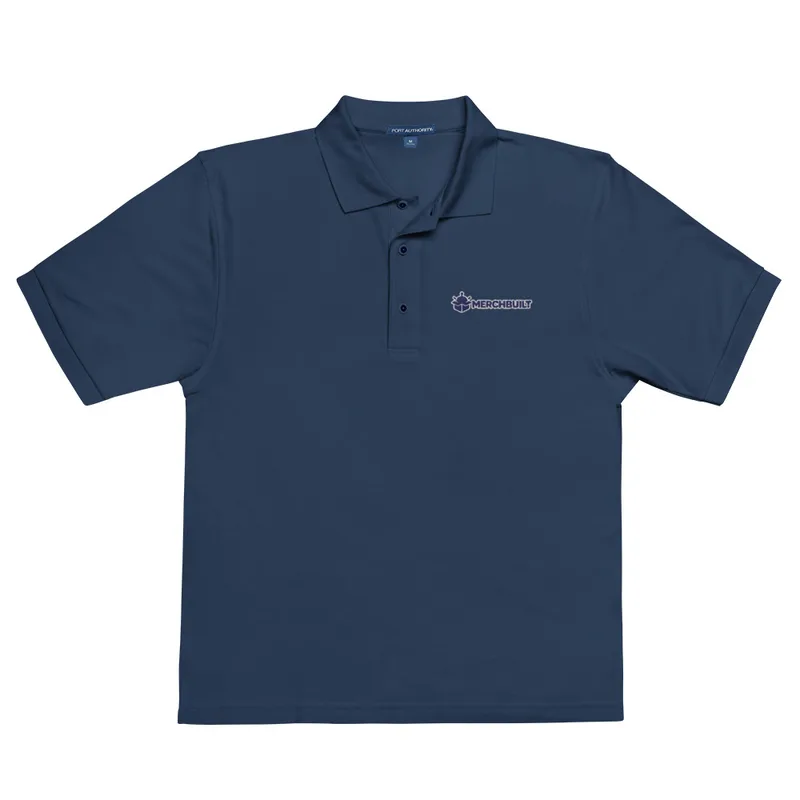
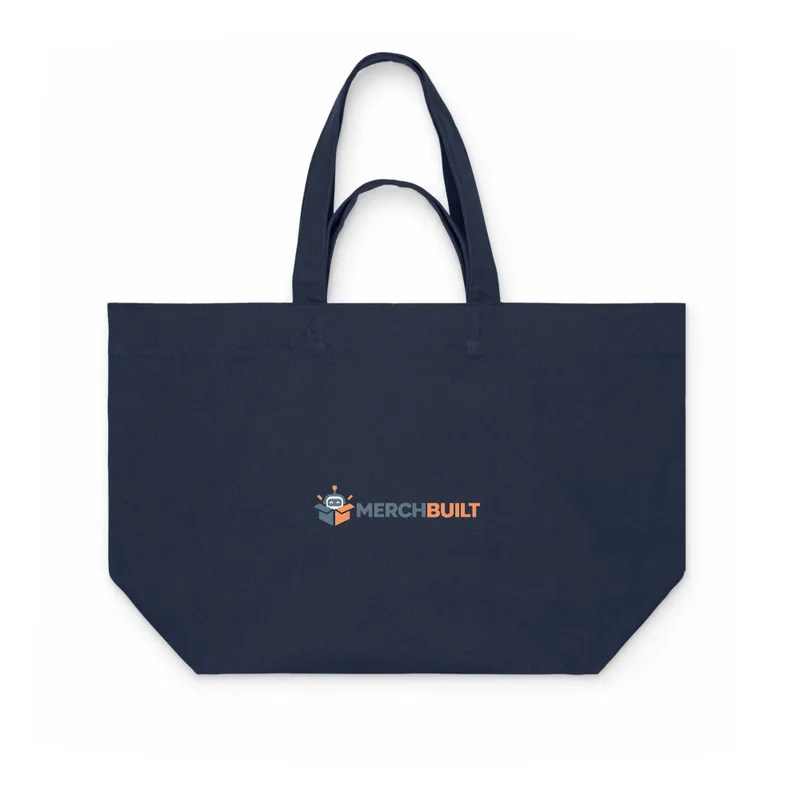
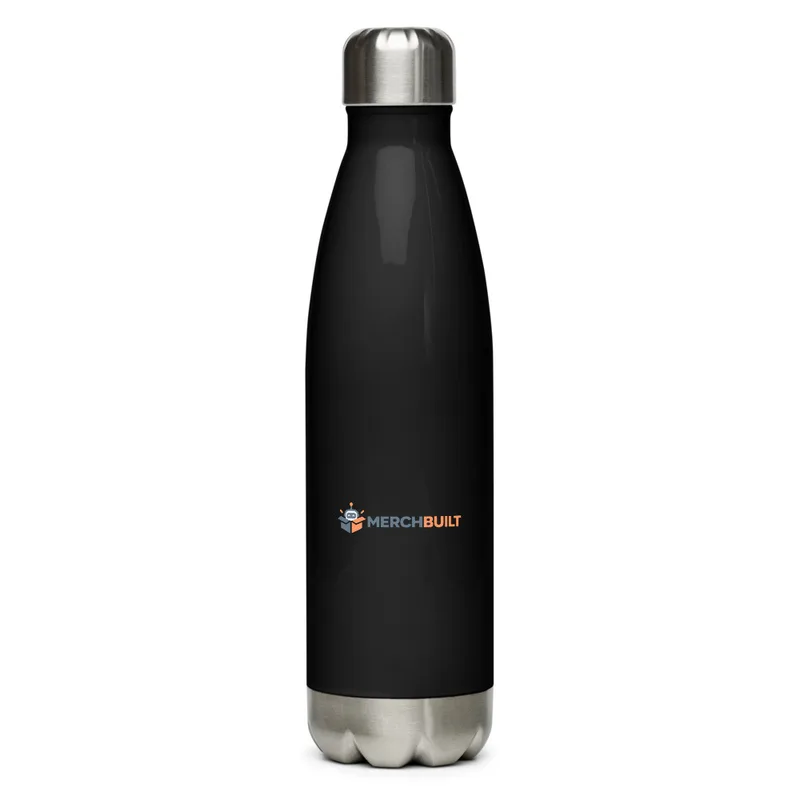
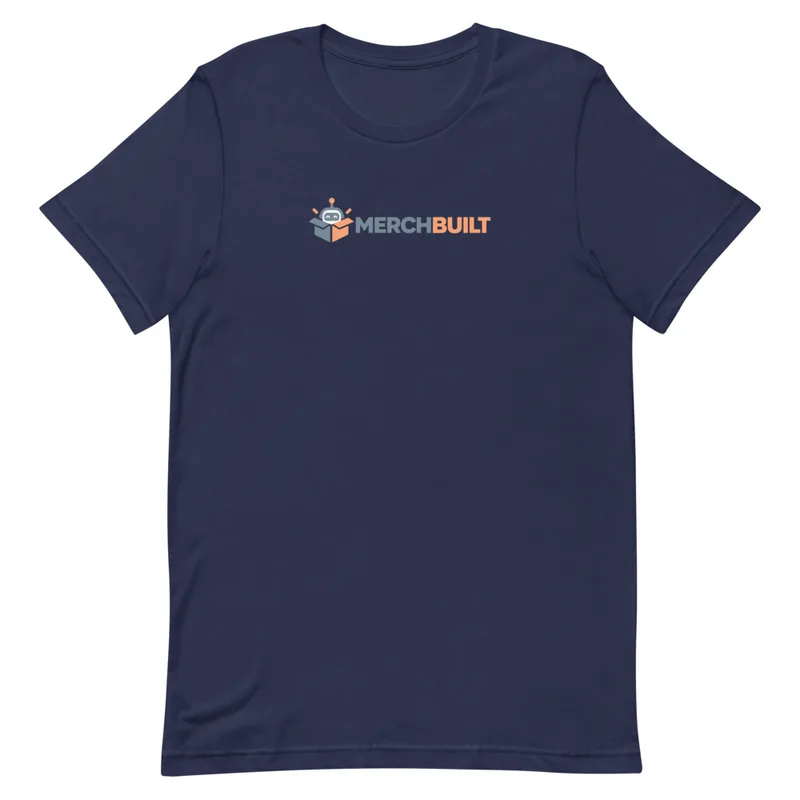
Store concept shown for review. Product availability and production details are confirmed before launch.
Your next client store
Start with one client's logo, choose a store style, and save your email. We will build six Printful starter products and email you when the store is ready.